Describe This Image in Detail
Compare a caption with a detailed description of the same image, then use the tool to draft and check a description of your own.
One image to begin. No login needed.
20 welcome credits for 2 images with Google · no daily refill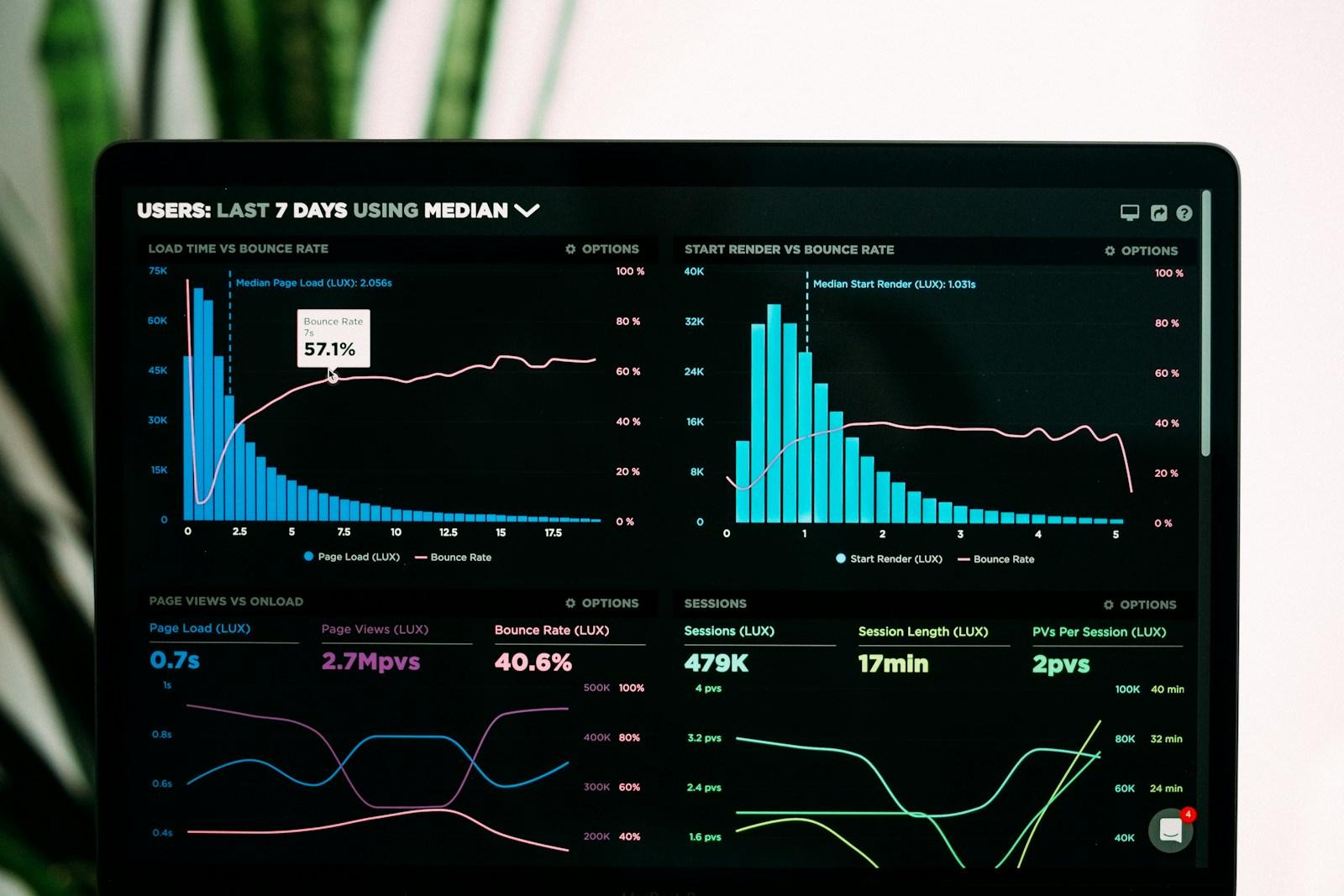
Or start with a sample
Sample reading · English
A computer screen shows a dark analytics interface with cyan bar charts, line graphs and small panels of text. The charts vary in height and shape. A plant and bright background are visible above the screen; individual labels are too small to read in this view.
Checking generation availability…
JPG, PNG, WebP & GIF. Review every draft before use.
Generation includes an image safety check. Image privacy
One image, two descriptions
Short caption
A dark analytics screen with cyan charts and line graphs.
Detailed description
A computer screen shows a dark analytics interface with cyan bar charts, line graphs and small panels of text. The charts vary in height and shape. A plant and bright background are visible above the screen; individual labels are too small to read in this view.
What to check against the image
- Check the subject and setting. The interface appears on a computer screen.
- Verify the added details. The cyan bars, line graphs, and plant are visible.
- Leave out metric names and values. Use the source dashboard to verify labels and numbers.
What to Include and Check
Use these prompts to review a detailed draft. The image may not contain enough information to answer every question.
Fine Art & Oil Paintings
Describe visible colors, composition, and brushwork. Check artist names, dates, and historical context against a trusted source.
Human Portraits & Fashion
Describe visible clothing, posture, and surroundings. Avoid inferring identity, sensitive traits, or intent from appearance.
Technical Diagrams & UI
Use a draft to explain a diagram or screen layout. Verify small text, labels, numbers, and relationships against the original.
Architectural & Real Estate
Describe the visible layout, lighting, and furnishings. A photograph cannot establish exact measurements or construction materials.